Hear from your customers in five seconds
Most customers never fill out a long survey. They will tap an emoji. eVibes gives your business a one-tap feedback page, a QR code to put anywhere, and results that show what is working and what is not.
How it works
Where to put your QR code
A QR code works best where the customer already is, at the moment they have an opinion. Here are six places that work for most businesses.
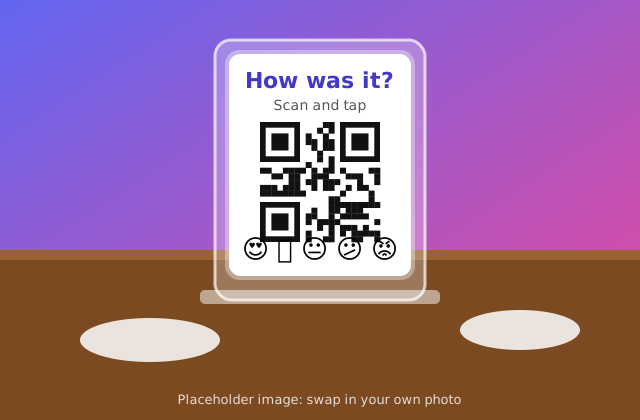
🍽️ On every table
Put a QR code in an acrylic stand next to the salt and pepper. Guests scan, tap an emoji and leave a comment while they wait for the check.
“How was your meal?”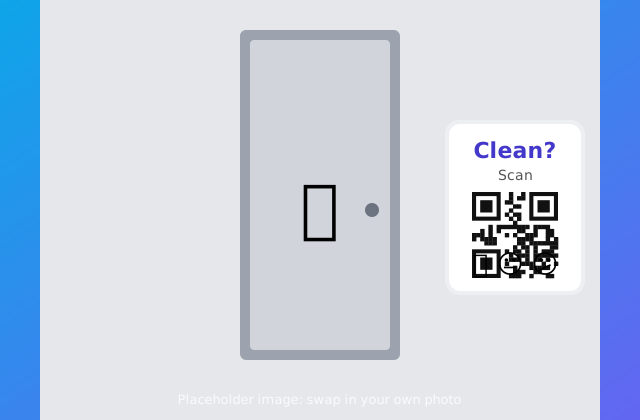
🚻 In the restroom
A small sign by the mirror asks "Was this restroom clean?". Staff see the answers by time of day and know when to check.
“Was this restroom clean?”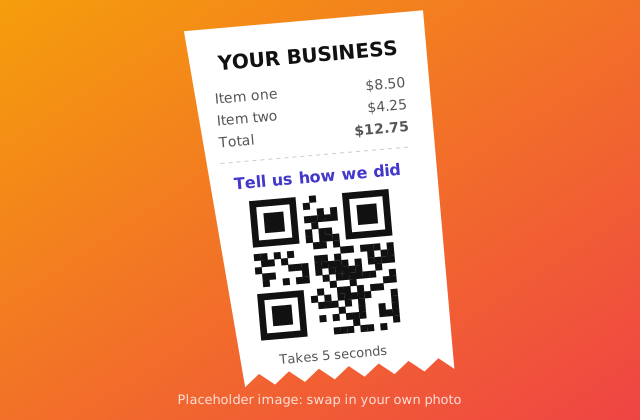
🧾 On the receipt
Print the QR code and a one-line invite on receipts, bags or invoices. It reaches every customer, including takeout.
“How did we do today?”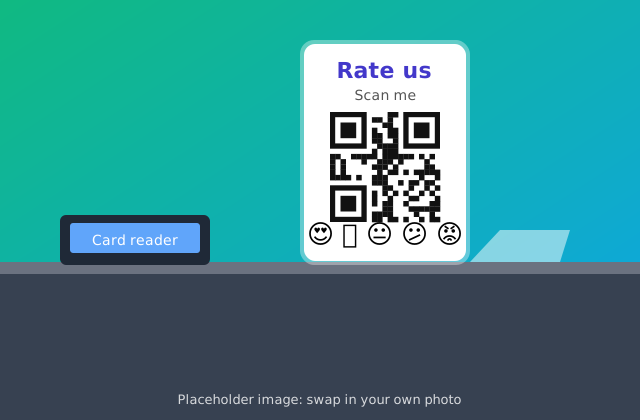
💳 At the register
A counter stand next to the card reader catches people at the moment they feel the most about your service.
“Rate your visit”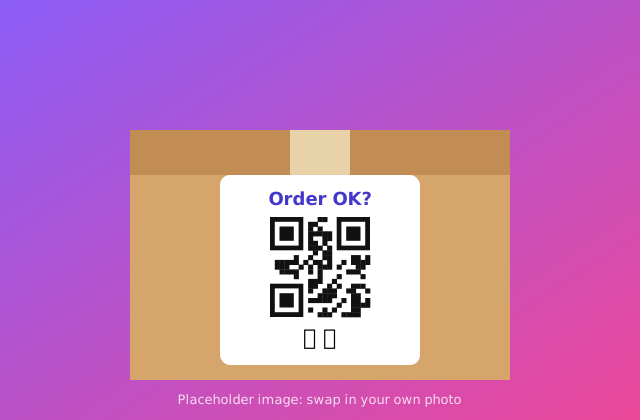
📦 On delivery boxes
Stick a QR label on pizza boxes, bags and packages. Ask whether the order was right, hot and on time.
“Was your order right?”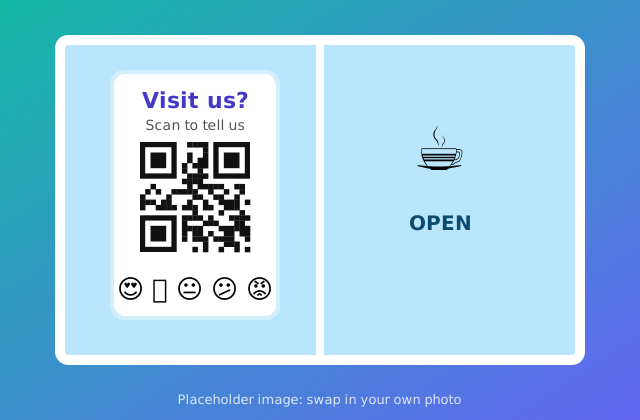
🪟 In the window or waiting room
Salons, clinics, repair shops and gyms can invite feedback on the door or at the front desk.
“How was your visit?”Tip: a small acrylic stand or sign holder costs a few dollars. Print the flyer, trim it to size and slide it in.
The colorful reports you get
Every vibe builds its own report as votes come in. Charts update live, so you can watch the results while customers are still scanning. The report below uses made-up sample numbers.
Vibe score
📊 Bar chart
🍩 Doughnut
- Loved it 46%
- Good 28%
- Okay 16%
- Not great 10%
📈 Vote trend, last 14 days
🫧 Bubbles
- 📱 Live charts: bar, pie, doughnut and bubbles
- 📈 Trends over time, plus option trends for each answer
- 💬 Written comments in one place
- ⬇ Export to CSV for Excel or Google Sheets
- 🗓️ Date poll results with calendar buttons
- 🙈 Private results that only you can see
Add a suggestion box
A suggestion box is the easiest way to hear ideas and complaints people would not say to your face. Put the QR code on a small sign or box at the counter, in the waiting room or at the exit.
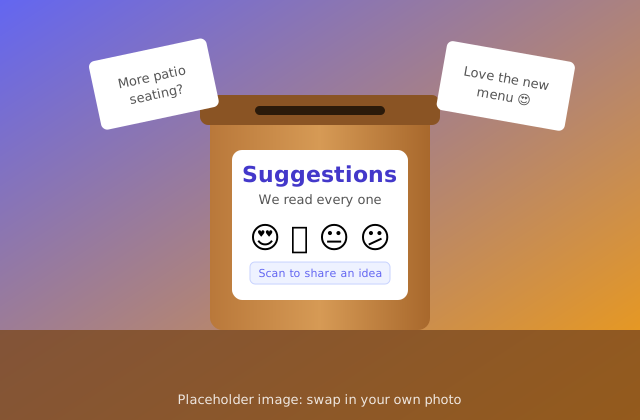
- 😊 Smiley faces for a quick mood read
- ✍️ A text box for ideas, praise and complaints
- 📇 Optional name, email or phone for follow-up
- 🙈 Results are private by default, so only you see them
What you can learn
💬 From customers
- Was the food, service or product good?
- Was the wait too long?
- Was the place clean?
- Would they come back or recommend you?
- What should you add or fix?
👥 From your team
- A daily or weekly morale check
- Feedback after training or a busy shift
- An anonymous suggestion box
- Whether people feel supported
🛍️ For new ideas
- Let customers pick the next menu item or flavor
- Test a price or a new product
- Choose the best date for an event or class with a date poll
Tips for getting honest answers
Keep it short
- Two or three questions get more answers than ten.
- Start with one emoji tap. Make comments optional.
Keep it private
- Use Keep results private so only you see the answers.
- Votes are anonymous, so people can be honest.
Limit repeat votes
- Set a daily vote limit so one person can not swing the score.
Close the loop
- Post a sign: "You told us the line was slow, so we added a register."
- Customers answer more when they see you listen.
Ready to hear what your customers think?
Set up your first feedback vibe in a few minutes.